Forge The Egg Controls and HUD
Learn mobile and PC inputs, read forge feedback, and find every key station in a seven-player lobby.
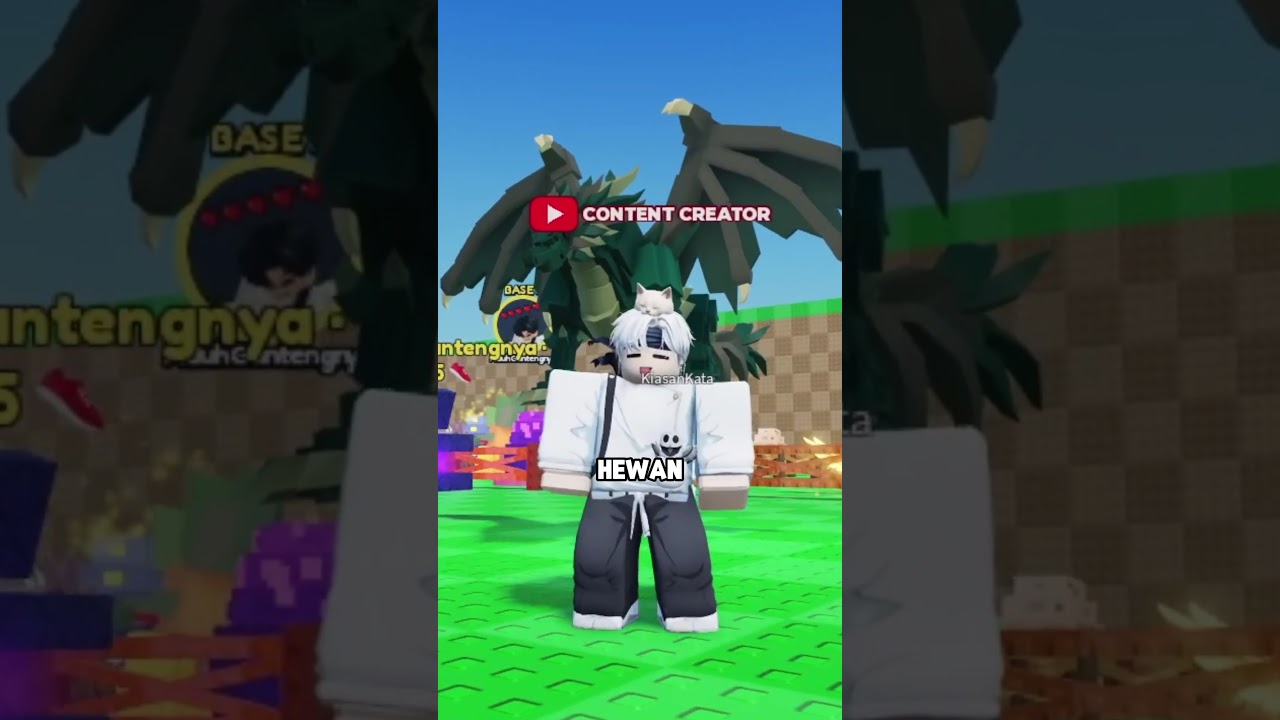
Forge The Egg! (Tempa Telur) plays like a compact Roblox tycoon: you move, equip a hammer, strike eggs, hatch pets, train on a treadmill, shop for upgrades, and optionally raid other bases. Servers usually hold about seven players, so the HUD and map literacy matter as much as raw forge luck. This guide covers typical Roblox mobile and PC control habits for this loop, how to read forge power and rarity feedback, and how to locate the forge station, treadmill, shop, base, and steal targets without wasting your first hour.
If you still need the full day-one checklist, start with Getting Started. Deep forge technique lives on How to Forge Eggs; tool and treadmill details live on Hammers and Training. Official place and community hubs sit on the Wiki Hub.
Typical Roblox controls in this tycoon
Forge The Egg uses the familiar Roblox input layer. Exact bind labels can change with Roblox client updates, but the habits below stay stable across PC and mobile.
PC habits
- WASD or arrow keys to walk your avatar between forge pads, hatch points, treadmill, shop, and base.
- Mouse look to scan other plots—valuable on seven-player servers where steal windows open fast.
- Left click or the on-screen interact prompt to strike with an equipped hammer, claim eggs, hatch, buy, or train.
- Number keys / backpack to equip the hammer you intend to swing; forging with the wrong tool wastes time.
- Shift (if enabled) for sprint when fleeing a failed steal or racing back to defend.
Mobile habits
- Virtual joystick for movement; keep your thumb free enough to cancel a bad approach.
- Camera drag to peek neighboring bases before you leave your plot.
- Tap prompts for forge strikes, hatch confirms, shop buys, and treadmill sessions.
- Backpack / hotbar icons to switch hammers before a rarity push.
- Prefer portrait or landscape consistently so you do not mis-tap hatch versus discard flows on a rare egg.
Practice safe inputs on cheap eggs first. A mis-tap that hatches or drops a Divine-tier project hurts more than a slow Common farm. Pair control practice with the economy tips in Getting Started.
Reading the HUD: forge power and rarity feedback
The forge fantasy is visible on the egg and nearby UI: each successful hammer sequence should push power and, eventually, community-reported rarity labels. Players commonly talk about ladders such as Common → Epic → Steel → Divine → Secret → Celestial → Eternal → Supernova. Those names are community-reported—not a guaranteed loot table—and can shift after patches. Watch for:
- Power or progress text climbing after strikes.
- Rarity name or color changes when a jump lands.
- Cash and income readouts after you hatch pets.
- Strength / speed values after treadmill training.
- Inventory or backpack confirmation that the correct hammer is equipped.
If strikes stop producing visible feedback, your hammer is probably too weak for the target—upgrade via the shop or index rewards, then return. Technique and stop rules are covered in How to Forge Eggs. Never treat a single viral clip as a permanent probability sheet.
Locating the forge station
After you join the Roblox place, claim or find your plot and walk the forge area once before you grind. Note where eggs spawn or park, where hammer swings register, and where you can safely leave a project between sessions. Keep unfinished high-value eggs inside defendable space, not on a busy walkway.
Warm up with short forge bursts so your click or hold rhythm stays consistent on both PC and mobile. When you are ready for longer Divine-plus sessions, use the planning advice on How to Forge Eggs and tool gates on Hammers and Training.
Locating the treadmill
The treadmill raises strength and speed so tougher zones and egg carries become realistic. Find it early, then train in short bursts between forge and hatch blocks. Long AFK treadmill sessions on a plot stacked with showcase eggs invite thieves. Secure valuables first, train to the next breakpoint, then resume forging.
Index missions and specialty tools (for example, community videos highlighting a Chicken Hammer from grassland index progress) often assume you can already reach the right zone. Training is infrastructure, not optional flavor—details on Hammers and Training.
Locating the shop and base
The shop converts hatch income into hammers and progression buys. Learn the path from hatch → cash → shop so you do not wander mid-forge. Buy the next hammer that noticeably improves strike feedback before cosmetic clutter.
Your base is where eggs and pets should live when you are not actively forging. On a seven-player server, an open flex corner is free advertising for steal specialists. Park mid-projects safely, hatch income pets on a schedule, and upgrade base defenses when they clearly shorten theft windows. Offense and defense habits expand on How to Steal Eggs once you understand the map.
Steal targets: what to look at (and when)
Other players’ plots are visible steal targets. Before you leave your base:
- Confirm your own rarest eggs are parked or hatched.
- Note escape routes back to your plot.
- Scan which neighbors look AFK versus actively defending.
- Decide whether today’s goal is income, forge practice, or one careful raid.
Stealing is optional. Being stolen from is not—small lobbies make everyone a potential target. Learn defense as seriously as offense. For routes and risk framing, read How to Steal Eggs after this HUD orientation.
First-session station tour
- Spawn, claim your space, equip the starter hammer from the backpack.
- Walk forge → hatch → treadmill → shop → base edges once without grinding.
- Forge a cheap egg while watching HUD power/rarity feedback.
- Hatch for income, buy the next affordable hammer, train briefly.
- Only then glance at neighboring plots as steal targets.
- Bookmark Getting Started and the Guides Hub for follow-ups.
Common HUD and control mistakes
Forging without confirming the hammer is equipped. Always check the hotbar. Ignoring rarity label changes and over-investing in a dead session. Skipping the station tour and losing minutes every loop. Training AFK with trophies exposed on a public pad. Chasing steals before you can find your own hatch and shop paths. Confusing this game with “The Forge” mining RPG when searching controls or codes—wrong title, wrong systems.
Related pages
- Getting Started — full first-hour checklist
- How to Forge Eggs — strike loops and rarity pushes
- Hammers and Training — tools and treadmill gates
- Wiki Hub — official place and community links
- Guides Hub — every walkthrough
- Tier List — community rarity value talk
Master controls and HUD literacy first. Once you can move, equip, read forge feedback, and hit every station without thinking, hammer upgrades and rarity chases become intentional instead of chaotic.
Frequently Asked Questions
Quick answers about forging, hatching, codes, and progression in Forge The Egg.
What are the basic controls in Forge The Egg?
Use standard Roblox movement (WASD or mobile joystick), equip a hammer from your backpack/hotbar, and tap or click interact prompts to forge, hatch, train, and shop. Camera look helps you scan other bases on seven-player servers.
How do I read forge power and rarity on the HUD?
Watch the egg and nearby UI for power progress and community-reported rarity label or color changes after hammer strikes. If feedback stalls, upgrade your hammer or switch eggs—see How to Forge Eggs.
Where should I go first after spawning?
Tour forge station, hatch point, treadmill, shop, and your base edges before long grinds. Getting Started has the full first-hour route.
Is the control scheme different on mobile?
Inputs use virtual joysticks and taps instead of WASD and mouse clicks, but the same stations and hammer-equip habits apply. Practice on cheap eggs to avoid mis-taps on valuable projects.
How do I find steal targets safely?
Secure your own eggs first, learn escape paths, then scan neighboring plots. Stealing is optional; defense is mandatory. Read How to Steal Eggs for offense and defense detail.
Where can I confirm the official game page?
Use the Wiki Hub for the official Roblox place and community links. Do not confuse Forge The Egg / Tempa Telur with the unrelated mining game called The Forge.